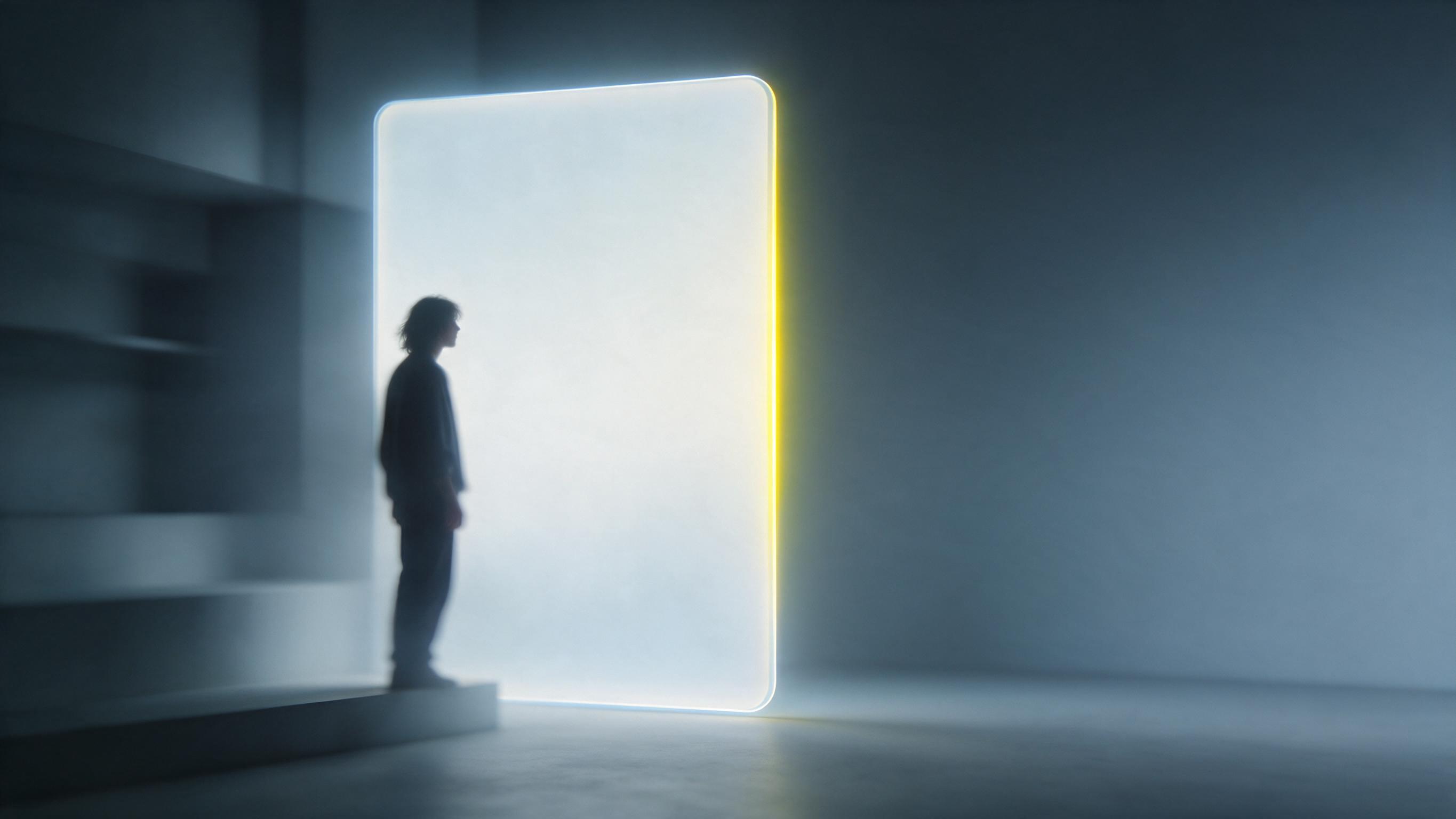
 Seedream 5.0
Text to Image
Write a prompt, pick one of seven frame shapes, choose PNG or JPEG, and generate a 1K or 2K still with Seedream 5.0.
Try Seedream 5.0 Seedream
Seedream 5.0 · Pro and Lite
Create a still from a written brief, or upload photos and describe the change. Pick the Pro or Lite tier, then download PNG or JPEG.
This workspace runs Seedream 5.0. Use it for text to image or as an image editor, then download one file per run.
What is new in Seedream 5.0
Two still-image paths: a written brief for a new frame, or uploaded photos plus a change request.
Seedream 5.0Write a prompt, pick one of seven frame shapes, choose PNG or JPEG, and generate a 1K or 2K still with Seedream 5.0.
Try Seedream 5.0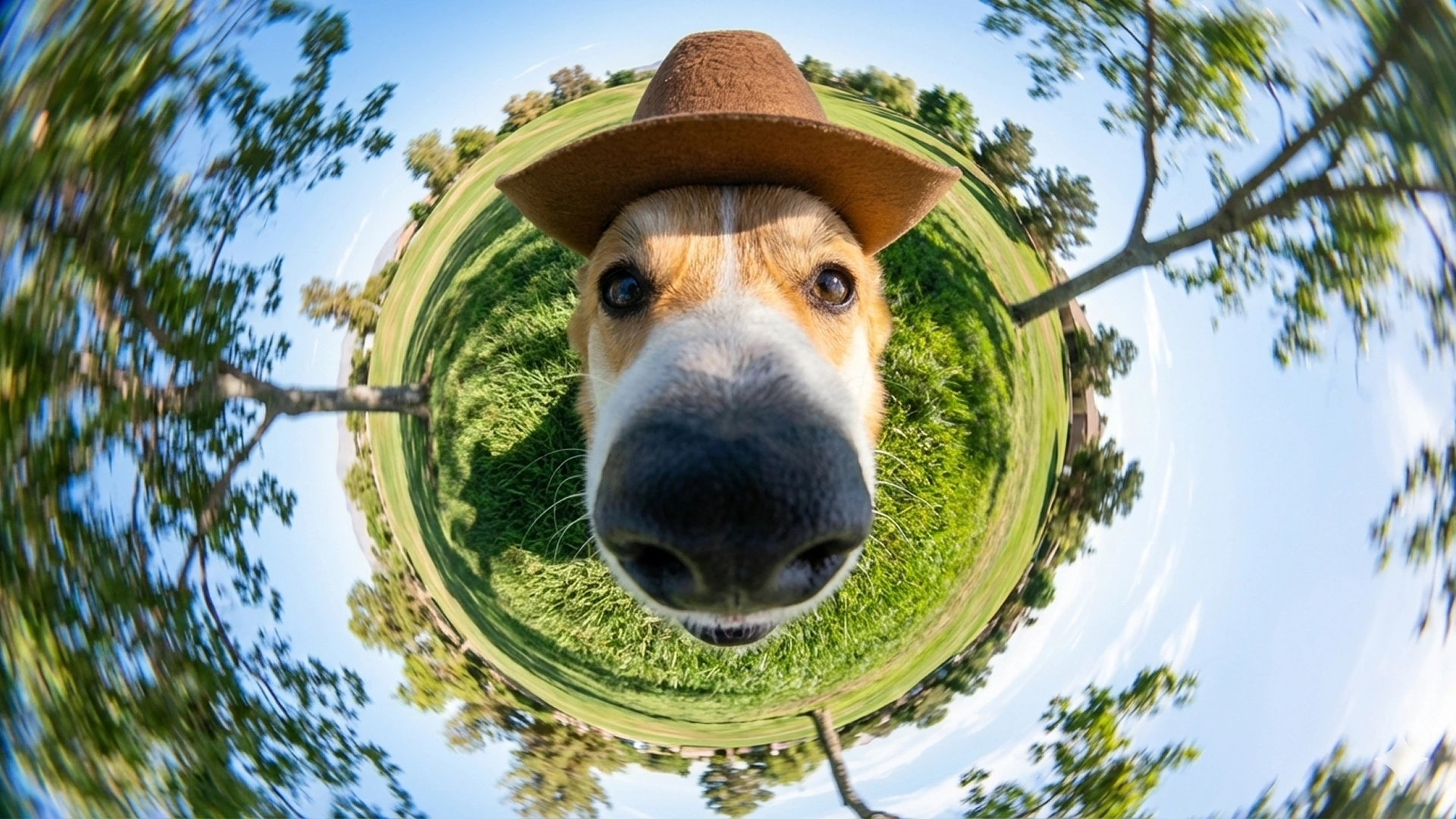 Seedream 5.0
Upload up to five photos, describe the change, and restyle a product shot, backdrop, or reference set in one run.
Try Seedream 5.0Controls on this workspace match what the site actually ships: seven frame shapes, 1K or 2K, PNG or JPEG, and up to five reference images.
Size presets
Supports 1:1, 16:9, 9:16, 4:3, 3:4, 3:2, and 2:3 — square, portrait, and landscape stills on this workspace.
Output formats
Every text-to-image and image-edit run can download as PNG or JPEG. This site does not expose WEBP for Seedream 5.0.
Resolution tiers
Seedream 5.0 on this site returns one still per run at 1K or 2K. It does not expose 4K output.
Multi-image edit
Image edit accepts up to five reference images per request. A sixth upload is rejected.
Pick a path, write a brief, set the output, and generate. This is a short supporting walkthrough.
Open Seedream and pick Text to Image for a new still, or Image Edit to change uploaded photos with Seedream 5.0.
Name the subject, layout, on-image text, and style. For a photo change, say what should move and what should stay.
Choose one of seven frame shapes, then pick 1K or 2K and PNG or JPEG. Pro and Lite share the same controls.
Start the run and download the file. Adjust the brief, or switch between Pro and Lite, without leaving the page.
Switch between text-to-image, image edit, and output previews. Seedream 5.0 stills stay on this homepage; video tabs use other models.
Generate campaign stills, product visuals, social assets, and layout-heavy posters. Pick the frame shape that fits the channel and export PNG or JPEG.
Choose Seedream 5 Pro for finished stills, or Seedream 5 Lite for lower-cost drafts. Same controls, different credit cost.
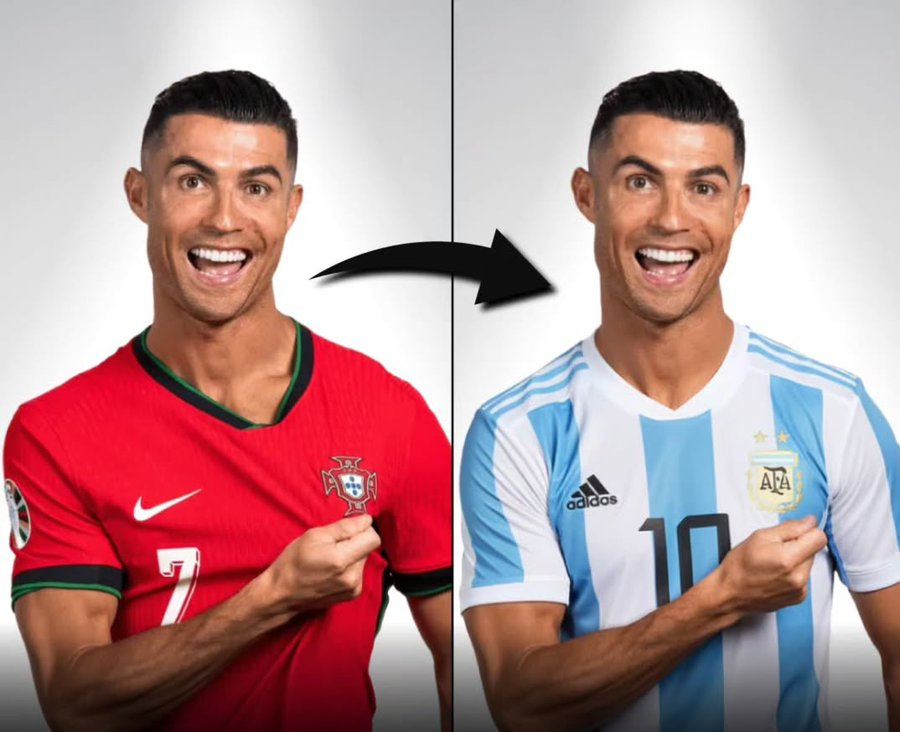
This workspace runs Seedream 5 Pro and Seedream 5 Lite for stills. Generate a new frame or change uploaded photos, then download PNG or JPEG.
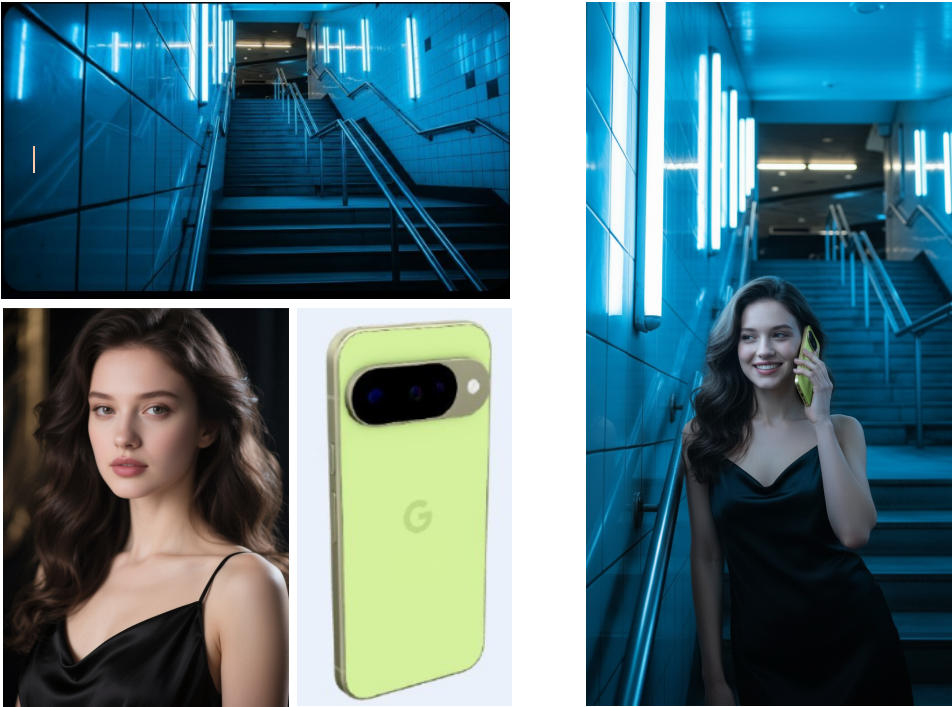
The homepage is a working generator. Choose Pro or Lite, set the prompt and output controls, and generate without leaving the page.
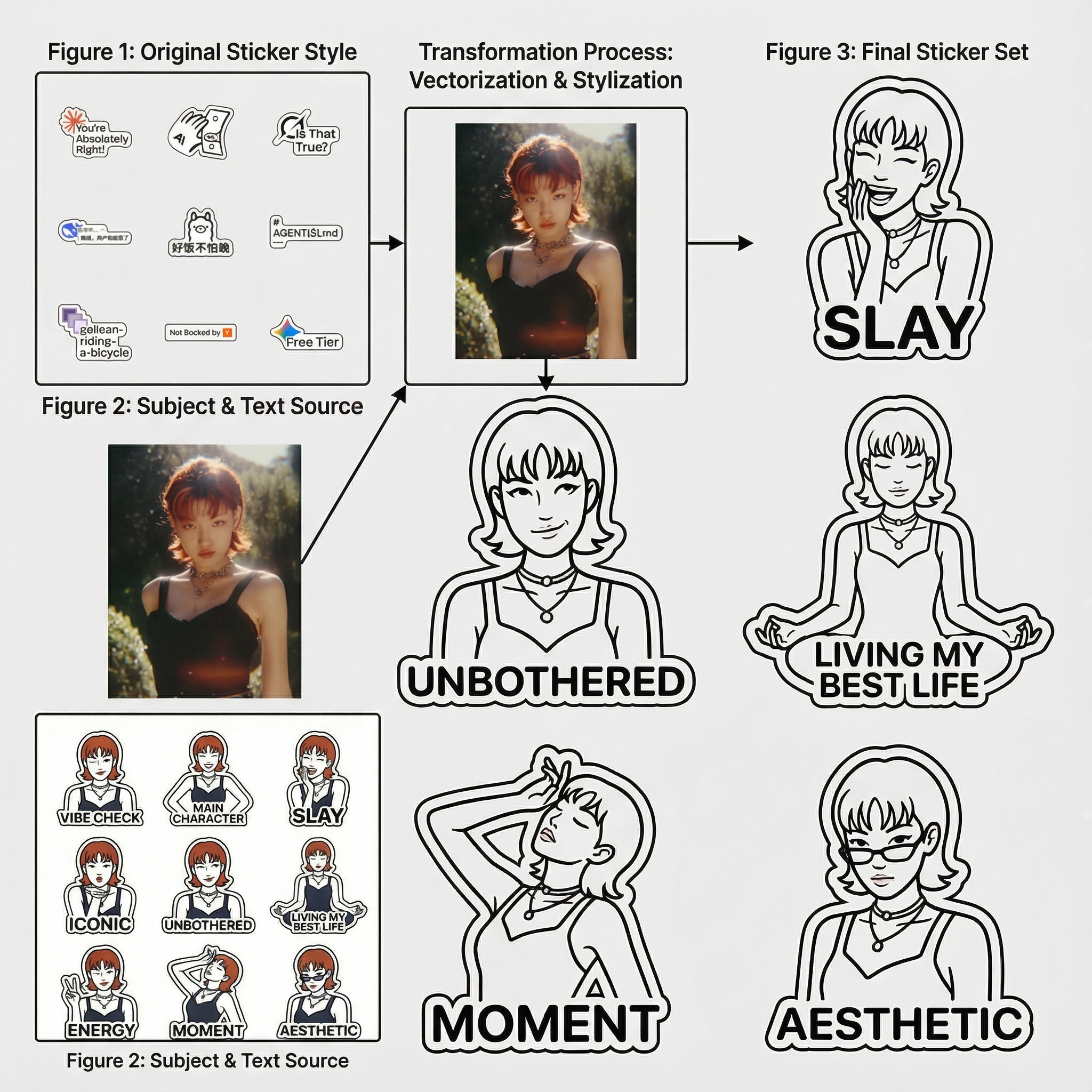
Every result saves to My Creations so you can revisit outputs, retry prompts, and continue production.
See how marketers, designers, and shop teams can use text-to-image and image edit in real workflows.
Draft 9:16 or 1:1 social stills from a brief, then refine the frame with image edit.
Generate a lifestyle shot from a prompt, then change up to five product photos for a listing refresh.
Produce campaign variants across the seven frame shapes. Export PNG or JPEG for paid and social placements.
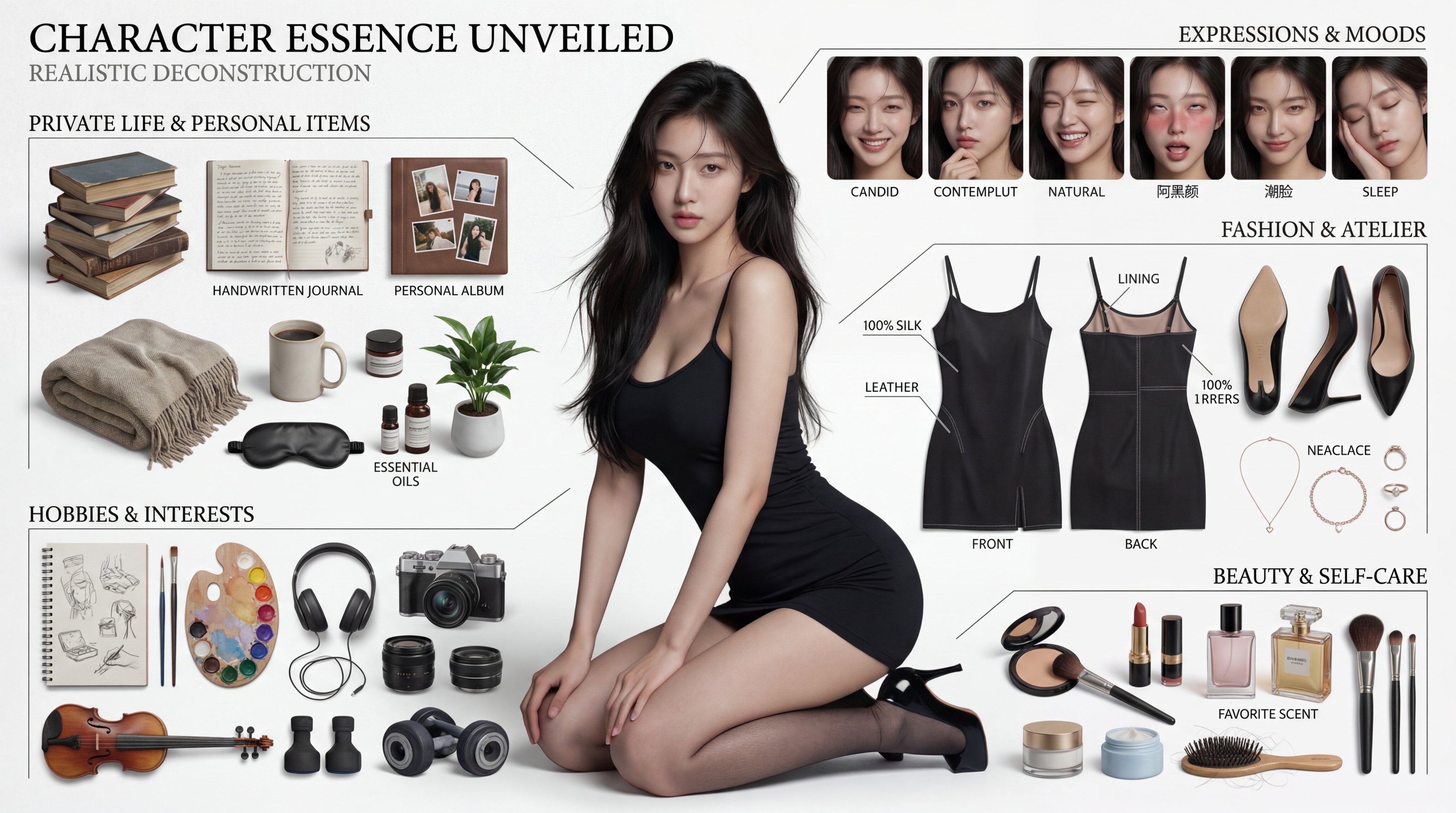
Draft infographics, posters, and on-image text layouts with Seedream 5.0 Pro, then lock details in a second pass.
Run Seedream 5.0 in the browser with credits. No separate API setup is required to try Pro or Lite.
Start on Lite for cheaper drafts, then finish on Pro. Credits scale with the tier and 1K versus 2K.
These are example jobs, not customer reviews. They show how marketers, designers, and shop teams can use this workspace.
“Draft a campaign frame from a brief, then lock the product and headline in a second pass.”
Campaign stills
Performance marketer
“Upload shop photos and ask for a new backdrop while the item stays consistent.”
Listing refresh
Ecommerce visual lead
“Write a dense layout brief, then export a higher-resolution JPEG for a slide or landing block.”
Layout-heavy ads
Brand designer
“Create square, portrait, and landscape variants by changing the frame shape.”
Social variants
Social creator
Credits cover each still. The Pro tier costs more than Lite. 2K costs more than 1K.
Subscriptions renew automatically until canceled. You can manage or cancel anytime from Billing. By subscribing, you agree to our Terms of Service and Privacy Policy.
Disclaimer: Seedream is an independent AI platform and is not affiliated with, endorsed by, or sponsored by ByteDance.
Disclaimer: Seedream is an independent AI platform and is not affiliated with, endorsed by, or sponsored by ByteDance.
What the model is, what this workspace can run, and which limits apply.
It is this site's current image model line. This website uses it as the primary AI image generator for new stills and guided photo changes.
No. It is the image product on this homepage. You can generate a still or edit uploaded photos with the Pro or Lite tier here.
The Lite tier of Seedream 5.0 arrived in February 2026 and the Pro tier in July 2026. This version is described as stronger on layout work, text rendering, and edit control than earlier Seedream versions.
On Seedream 5.0 you can create a still from a written brief, or change up to five uploaded photos in one run. Each run returns one PNG or JPEG.
Seedream 5.0 Pro is the featured production tier. Seedream 5 Lite is the lower-cost draft tier. Both share the same resolution controls.
Seedream 5.0 exposes seven shapes: 1:1, 16:9, 9:16, 4:3, 3:4, 3:2, and 2:3.
A photo change accepts up to 5 uploads per run. A sixth file is rejected.
No. This website exposes 1K and 2K stills. It does not expose 4K, layer tools, point or lasso selection, or a web-search toggle.
Each still uses credits. The charge depends on the Pro versus Lite tier and on the resolution you pick. Failed runs return credits according to site policy.
Registration gift credits expire 30 days after signup. Monthly subscription credits expire 30 days after each renewal. Yearly subscription credits are granted in one batch and expire 365 days after they are granted. One-time credit packs do not expire.
No. This homepage product is a still-image model. Video tabs use other models such as Seedance.
No. Seedream prohibits NSFW content and applies moderation to written briefs and outputs.
New accounts can receive registration gift credits. The gift is 50 credits in developed countries such as the United States and 20 credits otherwise. Those gift credits expire after 30 days. There is no free subscription plan.
Yearly subscriptions deliver the entire year's credit allowance in one batch at the start of the billing period. Those credits are valid for 365 days from the grant date.
Open the workspace
Make or change a still with the Pro or Lite tier. Write a brief, set the frame shape, and download PNG or JPEG.
New accounts can receive registration gift credits. Paid plans add more credits. There is no free subscription plan.
© 2026 Seedream. All Rights Reserved. Disclaimer: Seedream is an independent AI platform and is not affiliated with, endorsed by, or sponsored by ByteDance.